The PS5 Accessories That Actually Matter
Okay so PS5 owners realize pretty quickly that the console ecosystem is missing stuff that comes standard on other platforms. Your controllers need charging (and the stock USB-C cable is short). Your console collects dust if you don't have a cover. Your hands get sweaty during 4+ hour gaming sessions. These aren't problems Sony acknowledges in marketing but they're problems PS5 owners deal with daily.
The good news: the community has solved all of these problems with cheap accessories. We researched the top-rated PS5 accessories and found that the best ones cost under $30 and solve real problems. The overpriced stuff (RGB charging docks for $80?) can be ignored.
Here's what we prioritized: must-haves first (charging dock for controllers), quality-of-life upgrades second (grip covers for comfort), and alternative controllers last (only if you're upgrading from DualSense). We looked at Amazon reviews, Reddit discussions from r/PS5 and r/PlayStation, and owner sentiment about durability.
The PS5 Controller Problem
DualSense controllers are great but they have a weak point: the joysticks suffer from stick drift after 1-2 years. Sony has acknowledged this and released replacement programs, but it still sucks to deal with. Additionally, DualSense grips are smooth plastic which gets slippery with sweat after long sessions.
The accessories that matter: grip covers (add texture for sweat), protective cases (prevent damage during transport or accidental drops), and alternative controllers with better joysticks (Hall Effect joysticks don't drift). A charging dock is table stakes if you own two controllers.
Grip Covers: The Overlooked Comfort Upgrade
DualSense controllers are smooth plastic. If you play 4+ hours at a time, your hands start slipping on the grip. Sweat makes it worse. Grip covers add rubber texture (similar to Xbox controller grip texture) that prevents slipping.
The best part: grip covers are cheap (under $15) and removable. You play with them on during long sessions, remove them for shorter play. They don't damage the original controller.
elago's silicone grip covers are the most popular because they're durable, comfortable, and come in a pack of 2 (so you have spares while washing).
Controller Charging: Why You Need a Dock
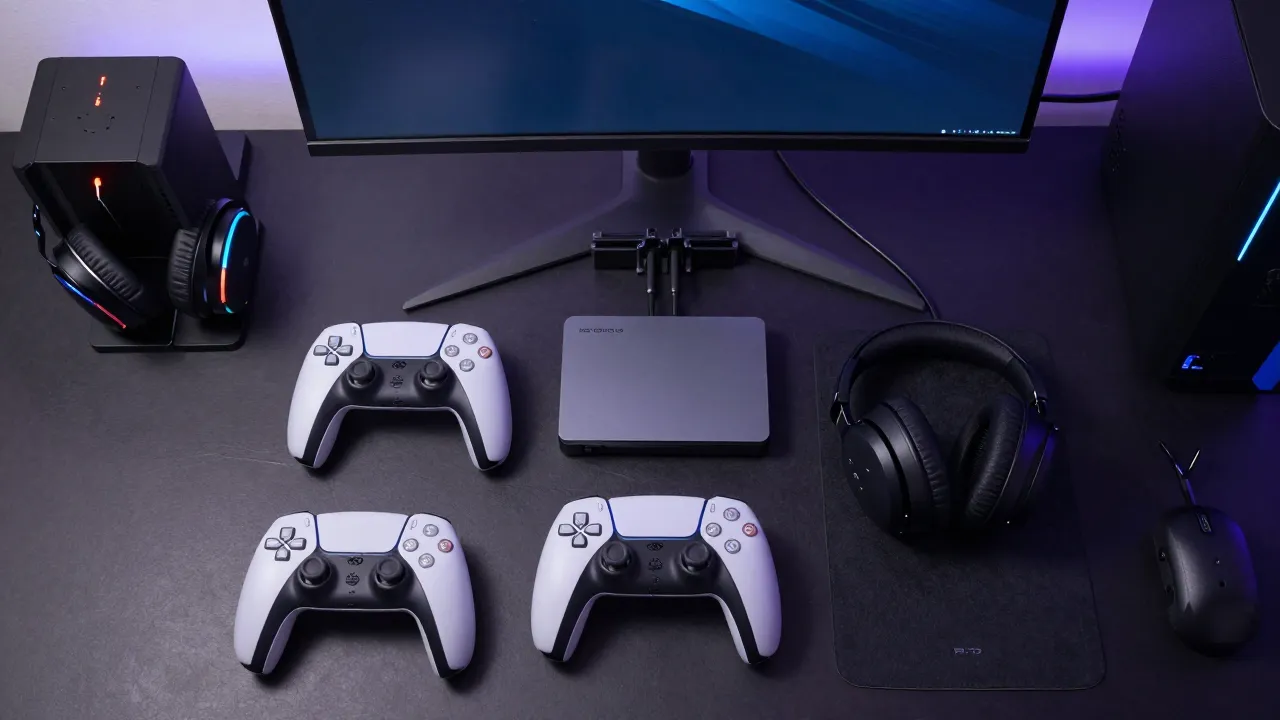
The stock USB-C cable charges your controller but you have to sit at your PS5 to charge. A charging dock solves this — you place both controllers in the dock overnight and they're fully charged by tomorrow. No tangled cables, no hunting for the charger.
Dobe's charging dock is the value pick (magnetic alignment, LED indicator, $15). HyperX ChargePlay is the premium pick (works with protective cases, better build quality, $25).
At minimum, if you own two controllers, a charging dock should be in your setup. It's not luxury — it's convenience.
Dust Cover: Simple but Essential
PS5 collects dust like crazy. The official Sony dust cover prevents accumulation and keeps your console looking clean. Slim fit means it doesn't interfere with ventilation when the console is off.
Simple solution to a real problem. $20 is a steal for protecting your $500 console.
Stick Drift: The 2-Year Problem
After 1-2 years, most DualSense joysticks develop stick drift (unintended input when you're not touching the stick). This is a known issue with the potentiometer-based joysticks Sony uses.
If your DualSense is drifting, you have two options: 1) use Sony's replacement program, or 2) upgrade to a third-party controller with Hall Effect joysticks (which don't drift because they're magnetic-based, not potentiometer-based).
8BitDo Ultimate Wireless Controller uses Hall Effect joysticks and is fully programmable. It's not an official PlayStation controller but it's compatible and has zero stick drift risk.
Organization: The All-in-One Solution
If you want everything organized in one place, Pegasus 10-in-1 charging station charges controllers, stores PS5 games vertically, holds your headset, and provides vertical stand for the console. All-in-one desk organization.
More expensive than individual pieces but saves desk space and looks clean. Good if you have limited space.
Who Should Buy What?
Budget PS5 owner (just bought console): Start with the charging dock + grip covers. They solve the two biggest comfort issues.
Long-session gamer (4+ hours daily): Grip covers are essential. Add a protective case to prevent drops.
Console protectionist: Dust cover + protective controller cases + charging dock. Your console will look pristine.
Stick drift sufferer: 8BitDo Ultimate Controller. Hall Effect joysticks are drift-resistant by design—worth it if you keep wearing out DualSense sticks.
Organized setup: Pegasus 10-in-1 charging station. One unit solves organization, charging, and game storage.